SMARTPHONE BUDDY
Our smartphone is our all time buddy. Whatever happens, it controls our mood. From music to connecting with anyone dwelling in any side of the world, it just does our work within seconds. All amazing features make it a "smartphone". But did you know that there are many other features of smartphone that you might not know and are darn helpful. Take a look.
SCREEN MAGNIFIER
Yes! You can even magnify your menu screen if you have a problem of weak eyesight. All you got to do is, Settings -> Accessibility -> Magnification gestures. This will help you to magnify any part of the phone display with ease. Thank me later. Let's know more.
HEAD MOVEMENT CONTROL
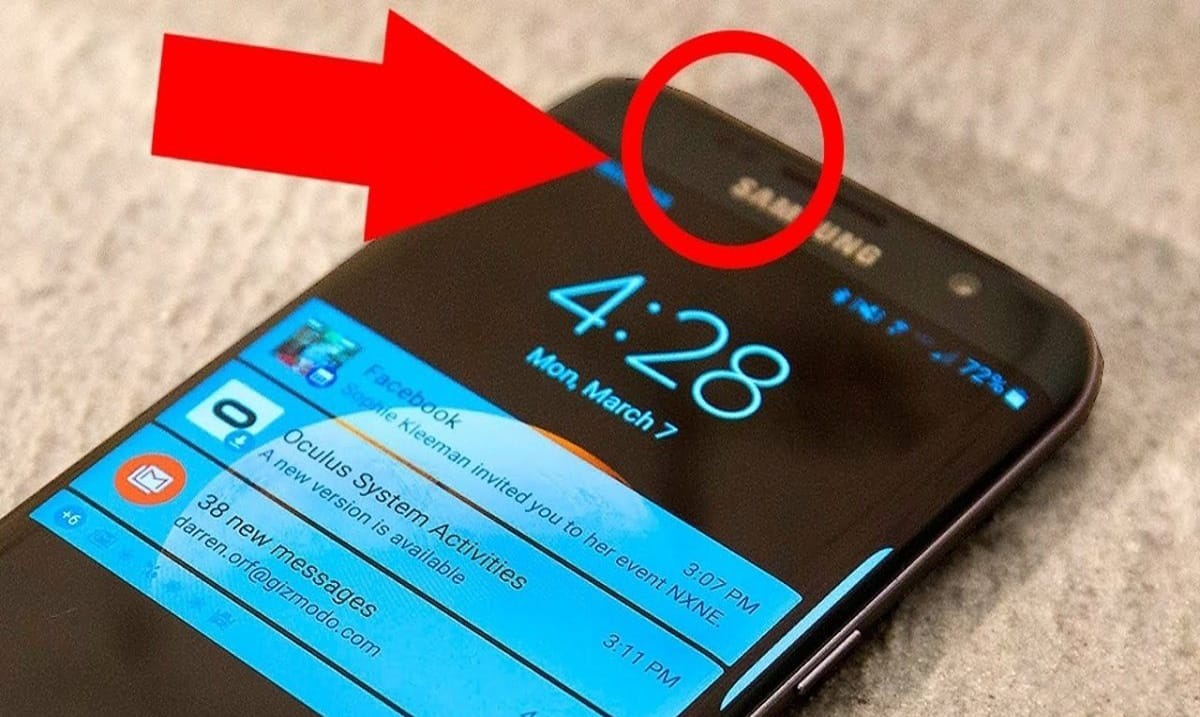
What if I tell you that you can control your phone even without using your hands. See, all you need to do is install an amazing, free app called EVA Facial Mouse and I swear you'll love it. You'll control your phone like a pro with your head movements.
A SECRET GAME
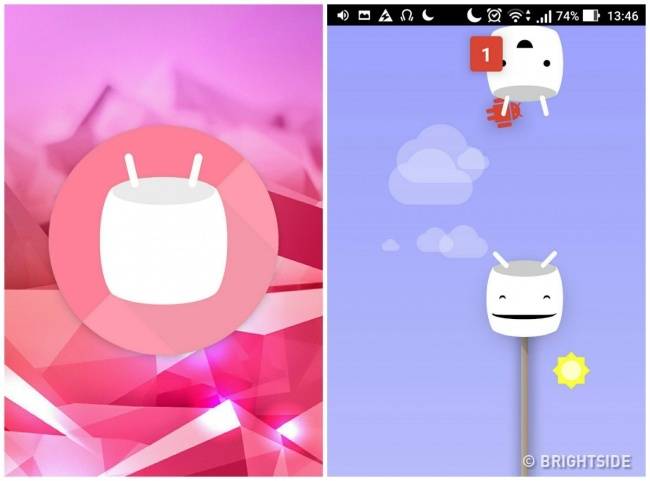
Yeah! Your smartphone is a deary thing as it offers you a free, amazing cute game. Just do the following thing. Settings> About Phone and tap the "Android Version" several times. A cute marshmallow will appear and then you can have that cute mini game.
BATTERY SAVER
Okay! Let us all admit that we always have complains about our fast battery draining problem. But, see, we have an amazing solution for you. Just choose a dark or black colored background as your screen and this will turn the automatic pixel highlighting off, keeping the phone charge much longer.
TEXT TO SPEECH
Yeah! Another amazing secret that'll help you a lot. You can have this article being read out to you. Just go to Settings> Text To Speech Output option and turn it on. You'll be a boss and articles will be read out to you.

REMOTE CONTROL
This one is a very important information about your smartphone. Your smartphone handles your data, documents, memories and even all your monetary information too. So, do this as a security concern in case you ever lose your smartphone. Just go to Settings -> Security -> Device administrators, and chose the option asking you to locate the phone. This way, you can block the phone easily and data will not be lost or mishandled.

GUEST MODE
In case you got to handle your phone to someone in emergency and you fear that your data might be mishandled, just turn the guest mode on. Just do the following thing. Notification Bar> User Icon> Add Guest. It's all done and be fear free of all your data being mishandled.

HOTSPOT MODE
In this era of high speed internet, do not worry if you run out of your mobile data. Just ask your friends to turn that amazing hotspot option in their device and you switch on your WiFi. Enjoy your surfing!