#10 Design
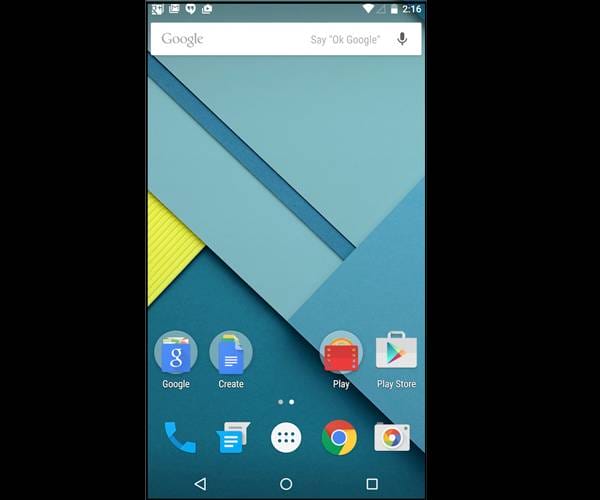
Lollipop introduces the new 'Material design' which is flatter, cleaner and more colourful. Google has also updated native apps to follow the same design language. The UI design gives the impression of moving paper strips stacked over each other. All android users are gonna love this.
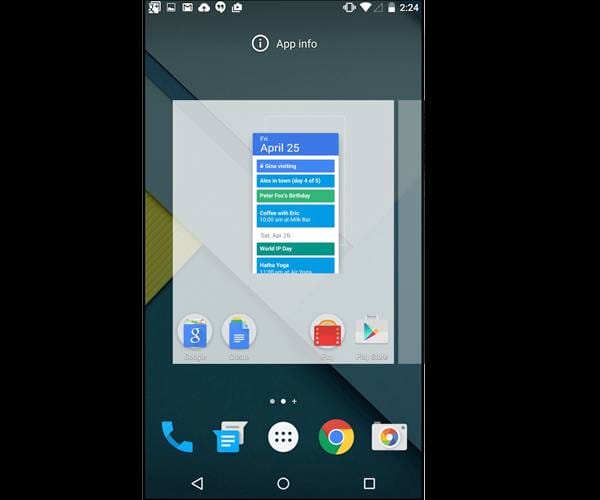
#9 Redesigned navigation keys
Yes yes, your navigation keys. The on-screen navigation buttons at the bottom now consist of simple shapes. The back button is triangular, home button is circular and the open apps button is now square in shape.
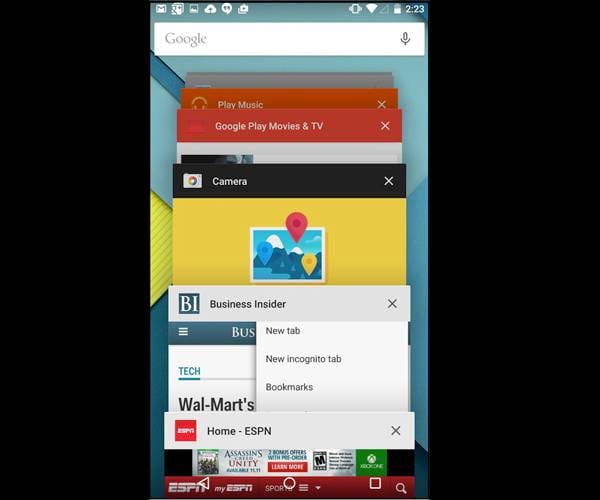
#8 New app switcher menu
In the new android, you will have a new app switcher menu. With Android Lollipop, the OS now also displays open tabs in Chrome with recent apps. Instead of a vertical app switcher, the new menu is similar to a carousel. One can disable open Chrome tabs from showing up in this menu.
#7 Overhauled notifications panel
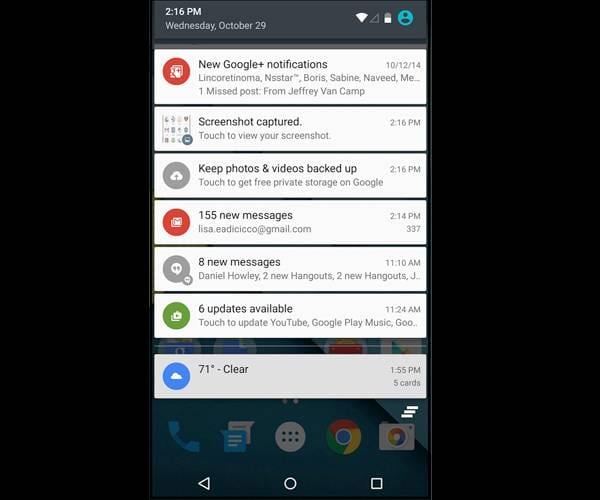
One of the main features of an android phone is its notification panel. Notifications and quick setting toggles are part of a single screen. Notifications appear as white strips that display dark text. You pull down once to display notifications, pull again and settings toggles are displayed.
#6 New lockscreen notifications
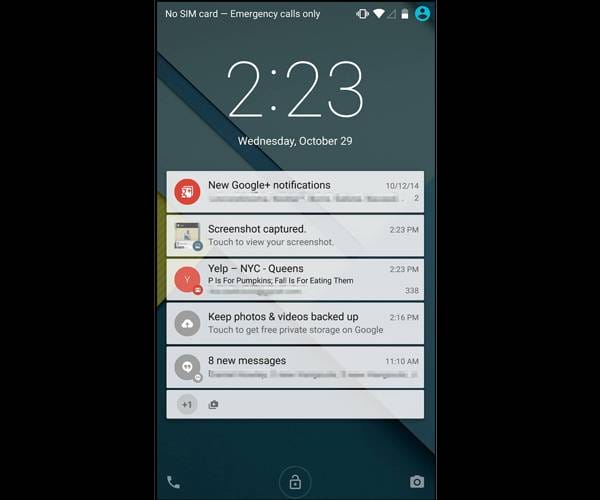
Notifications now also appear on lockscreen. These notifications are also actionable. So you can reply to a message without unlocking the phone. A notable change in features.
#5 More control over notifications
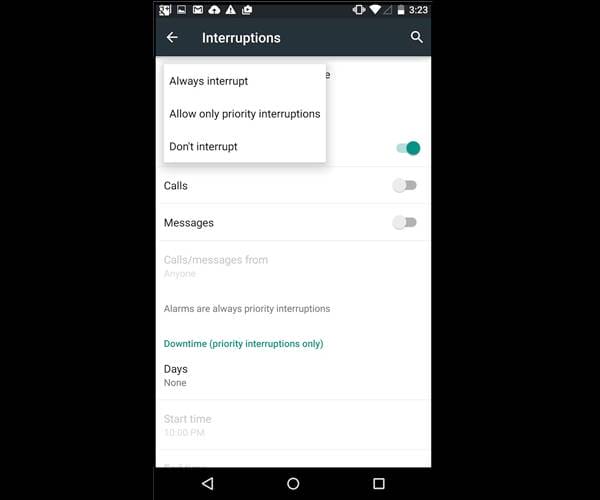
Another notification change. Lollipop offers more control over notifications allowing users to prioritize them. In the Settings menu, you can choose to allow only important notifications.
#4 New keyboard
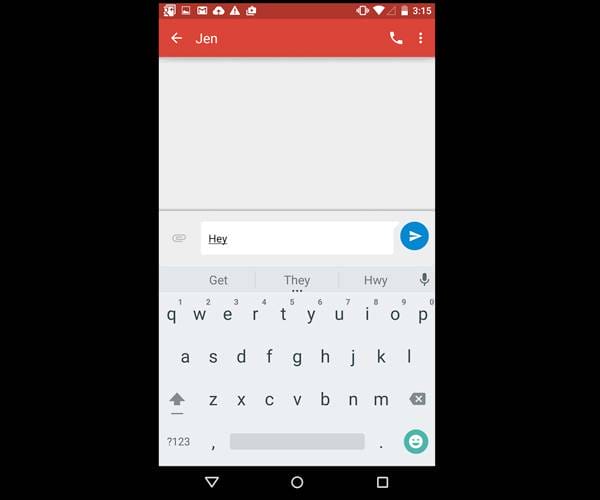
Everyone is going to love this. The new KEYBOARD. Android Lollipop comes with a completely redesigned keyboard with dark text on white background. The new keyboard doesn't have any visual borders separating the letters to offer better hits and more clarity.
#3 New Dialer app
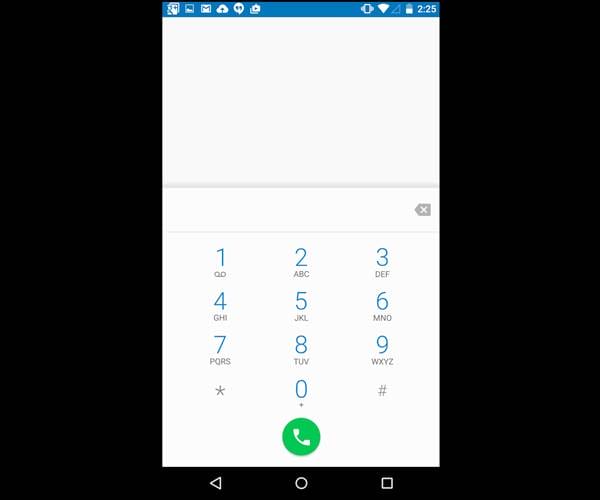
Yes, you have this new dialer app too. The Phone dialer app in Android Lollipop also gets a makeover. The borders that separate each key have been removed and there's more white space with numbers bearing blue colour.
#2 Multiple user profiles
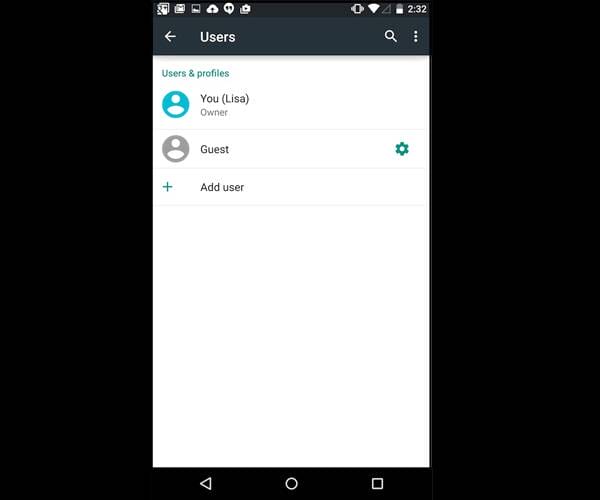
You can definitely use this for your benefit. Android Lollipop brings multiple user profiles to Android phones. You can set up multiple user profiles in Lollipop for sharing the phone with others without giving them access to your personal apps and data.
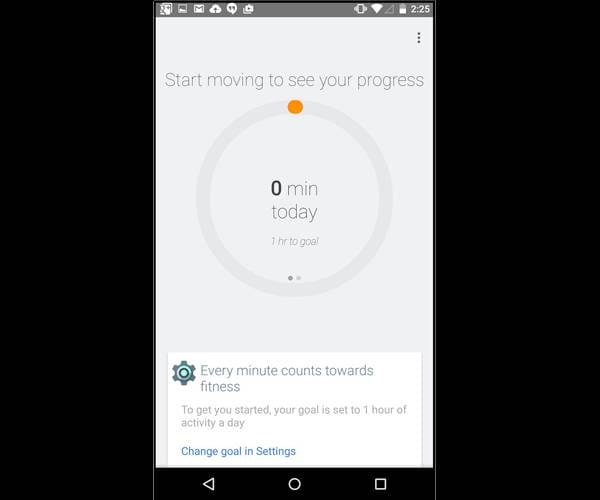
#1 Fitness hub
Ohhhh yes, this is for all the fitness freaks. Android Lollipop also offers Google's new fitness tool, Google Fit. Similar to Apple's Health app, the app allows you to bring all stats from various fitness apps and track them in a central location.