#10. Don't let Whatsapp save pictures automatically
Go to WhatsApp > Menu Button > Settings > Chat settings > Media auto-download. There! Now you'll have enough space!
#9. Delete your played podcasts
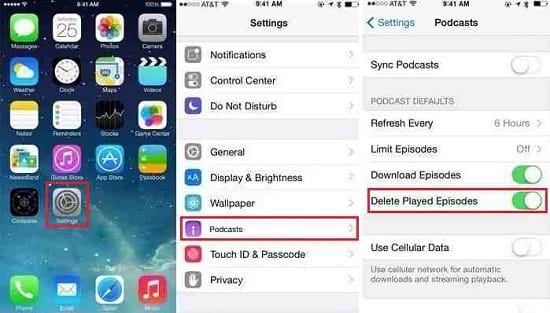
To only keep the podcasts you've not listened to yet, open the Podcasts app and go to Settings > Episodes to keep > All unplayed. Got it?
#8. Stop saving your Instagram automatically
Go into your settings and make sure you switch the 'Save Original Photo' toggle to off.
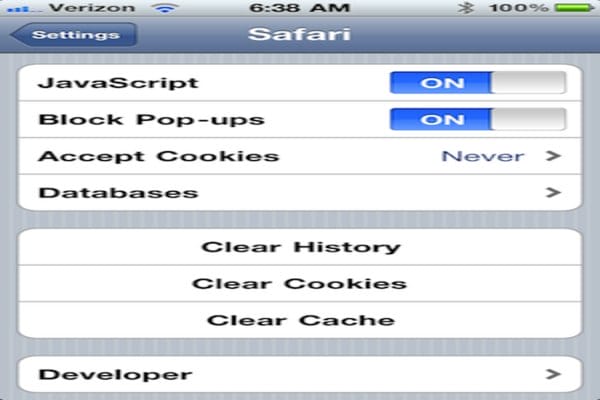
#7. Clear your browser history
Simply process: Head to Settings > Safari > and tap on Clear Cookies.
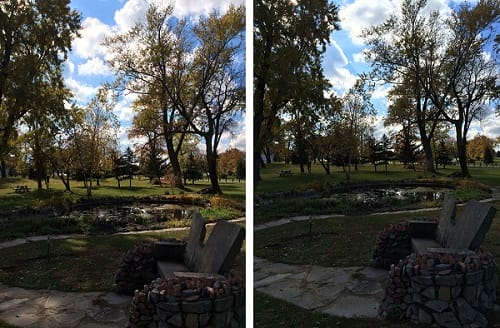
#6. Don't keep both photos while using the HDR settings camera
Know if you are using the HDR mode to capture photos that your phone saves both versions of the photo you click. Go to Settings > Photos & Camera and deselect Keep Normal Photo to get rid of redundant pics.
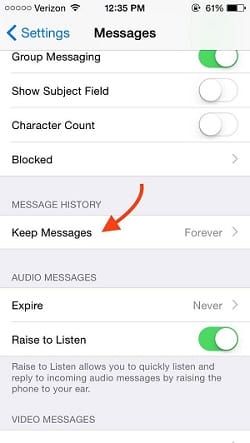
#5. Delete those unwanted texts that you never even open to see again
In iOS 8, you can change your settings to automatically delete read texts after a month. So make use of that feature.
#4. Optimize your phone storage
iOS 8 lets you store low sized lower-resolution photos while uploading the high-resolution photos on iCloud. Simply go to Settings > Photos & camera > Optimize phone storage.

#3. Get your playlist right
Delete songs that you never listen but are eating up space sitting in your phone.

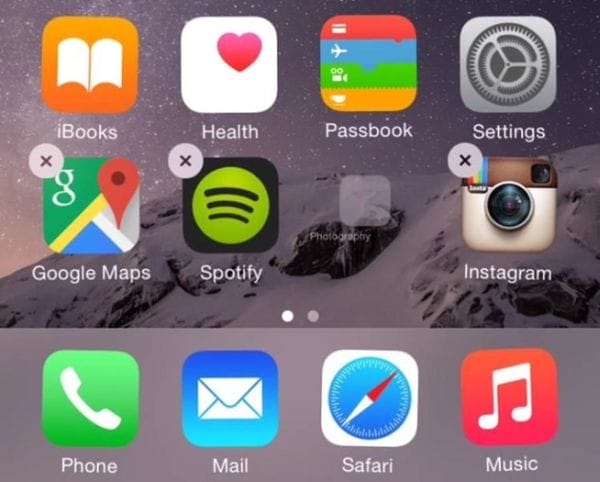
#2. Get rid of apps you don't use
Get rid of apps you don't use and Make Sure You Never Run Out Of Space
#1. Find out which apps are hoarding your space
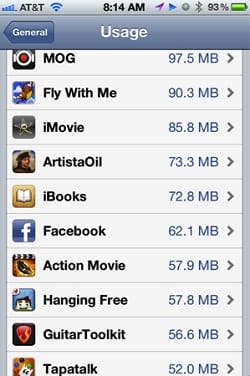
Head to Settings -> General-> Usage, and then click Manage Storage. There you'll see the largest apps in your phone, and can optimize your space needs with app needs.