#10 Using the Apple headphones
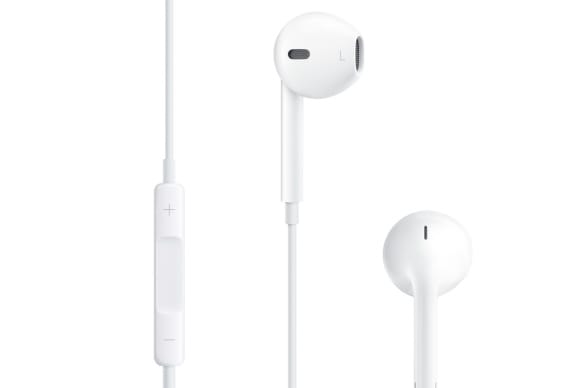
Your Apple headphones can give you a brilliant selfie. When the default camera app is on, simply press the center button on the headset to take a snapshot. This will ensure better selfies any time. We bet, not many of you knew this before.
#9 Photo's with Volume button
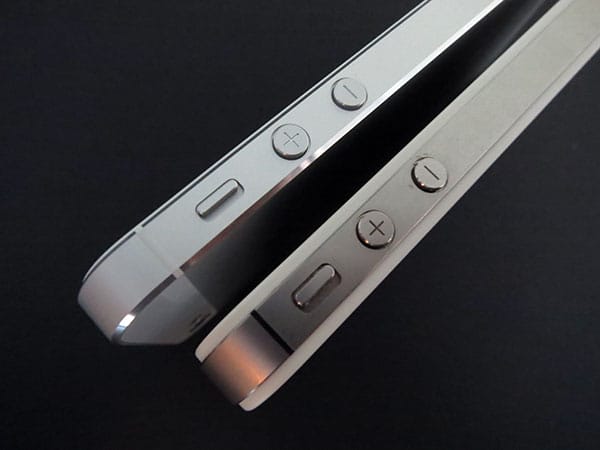
Now we know how to take a better selfie using your headphones. What if you dont have one? Don't headphones is not the most important thing to take picture. Rather take pictures without connecting a headset. You can simply use the 'up' volume button to take a snapshot with a steadier hand.
#8 Airplane Mode And Charging
Ever faced a battery problem in your iPhone? Or thought that your iPhone takes a lot of time to charge? By switching your phone to airplane mode, you are turning off the WiFi, Bluetooth and network reception of the device and this will ensure a faster charging time. You didn't knew this before, did you?

#7 Burst photos
Well this is for the photo lover iPhone users. By holding down the capture button, your phone will automatically go into burst mode and take a series of shots, ensuring that you get the perfect picture. Enjoy!!!

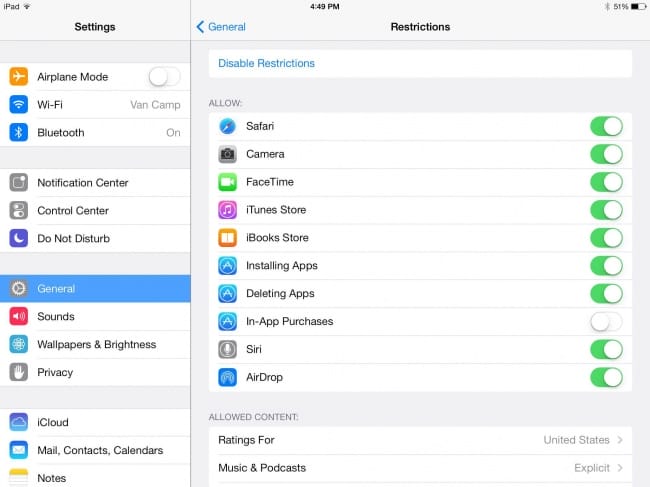
#6 Turn off in-app purchases
Are you tired of purchasing things via apps and games by mistake? If you want to control yourself from the insatiable urge to purchase something on Candy Crush or any other game. Simply go to Settings > General > Restrictions -> Enable Restrictions. Scroll until you see In-App Purchases and disable it.
#5 Use your phone as a level
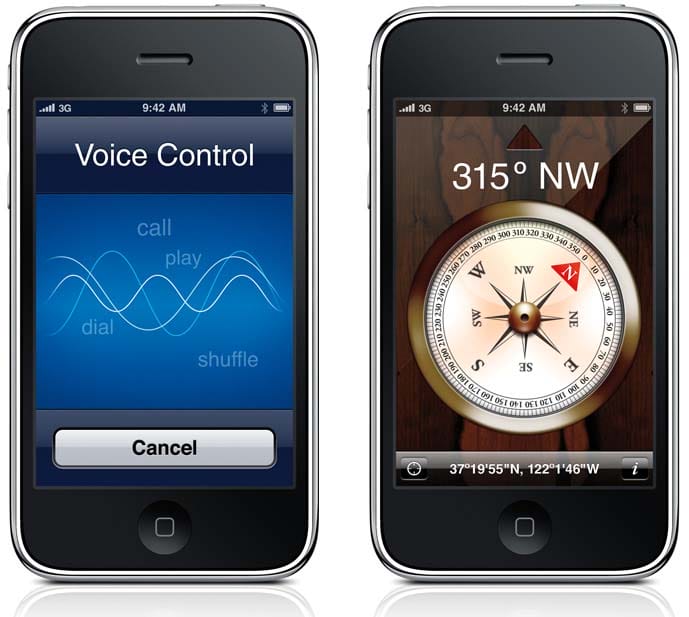
This app is for all the people who have DIRECTION PROBLEMS. Go into the compass app and swipe left to unveil an easy to use level that can be used anywhere. Now you know where to go!
#4 Activate Caps Lock
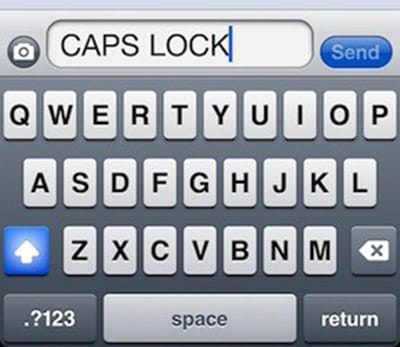
A very basic function but I am sure that most of you don't know about it. If you're the type of person who prefers typing in caps but doesn't like using the shift button repeatedly, just double tap the shift button to turn on Caps Lock. Or go to Settings > General > Keyboard and check whether it is on or not.
#3 More detailed calender
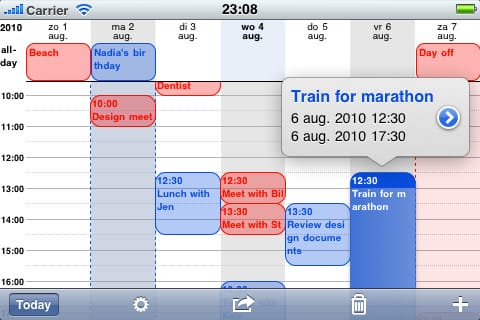
Almost all the phones now come with the calender so that you can set your schedule. But the calender with iPhone is more in detail. Just turn you phone into landscape position while the calender is open to reveal a more detailed personal schedule.
#2 Passcode with letters
All iPhone users know what do we mean here. To use a password instead of a passcode to unlock your phone, simply go to Settings > General > Passcode Lock > Turn off Simple Passcode. Once you do this, a QWERTY keyboard screen will pop up and let you set the password. Wasn't this simple?

#1 Shake to undo and redo texts
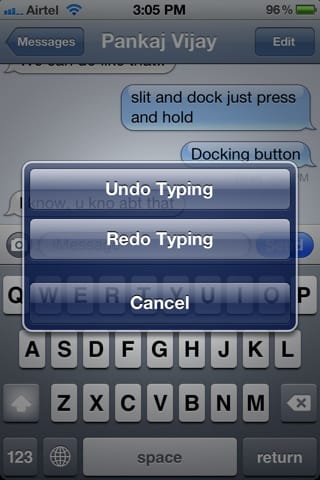
Tired of deleting what you've written wrong? Deleting a large chunk of text is always tiring. Just shake your phone and an "Undo" option will appear which will delete it all for you. If you want the text back, shake again and a "Redo" option will show up. This surely is an information to many of you.