#10 Manage Exposure
If you aren't happy with your color exposure, Manually change your exposure with the smart slider thingy. This will definitely help you in improving your exposure in your ever wonderful selfie.

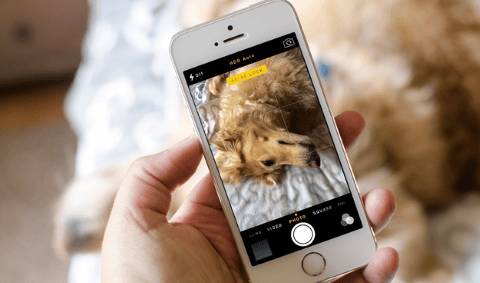
#9 AE/AF lock
While you are taking your selfie, make sure to use your AE/AF lock. This will enhance your selfie a lot.
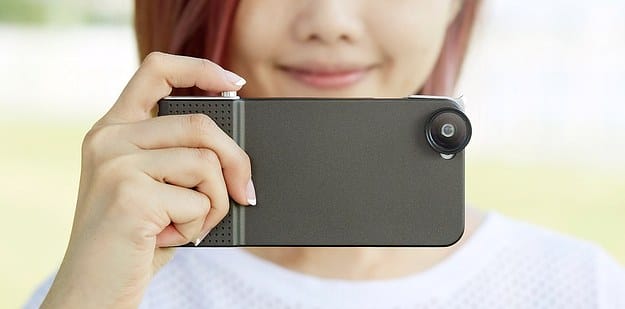
#8 Try SNAP!
Another brilliant way to take a clean and clear awesome selfie. Simply Try SNAP!
#7 Turn on the HDR
Take a picture with your HDR on. Compare it with the one that was clicked with HDR off. You'll get the difference

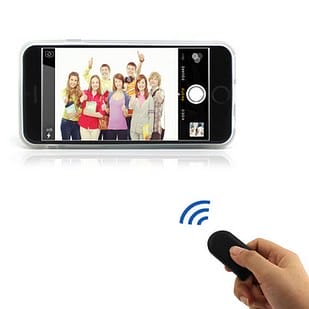
#6 Wireless Camera Remote
You don't even have to touch your phone for a perfect selfie with this. Wireless camera remote lets you take photos of yourself and your friends with a click of a button.
#5 Filters
Filters are good. Filters can help get rid of distracting background and make your picture look even more perfect.

#4 Editing
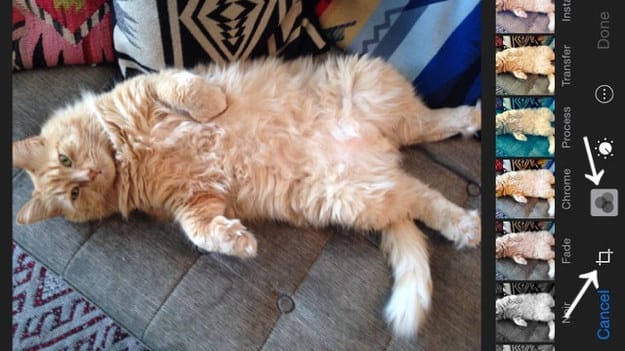
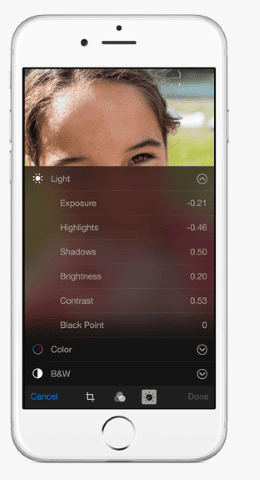
In your iPhone, you can brilliantly edit your selfie to make it look awesome. You can edit the light and color of your pic, as well as crop it and change the orientation all within the photo tool on your phone.
#3 Fine Tune
Make sure that the balance of your photo is right! Fine tune your photos in the camera roll.
#2 Volume Buttons
This is one of the best things in iPhone. Don't forget you can use your phone's volume buttons - and your headphone volume buttons - to snap photos
#1 Burst
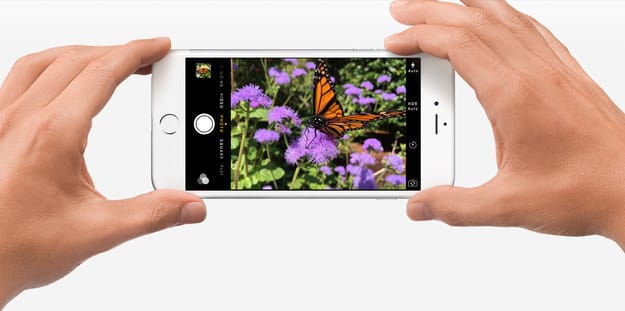
This will make your photo or series of photos more realistic. Use the BURST function to take a quick burst of three photos or more at a time.