#10. Buzz Launcher
Buzz Launcher is a home screen replacement for Android that's extremely simple to navigate, and it comes with a bunch of themes that give your home screen a whole new look. Swiping up from the bottom launches the app menu, and you can press and hold anywhere on the screen to access settings.

#9. Google Now Launcher
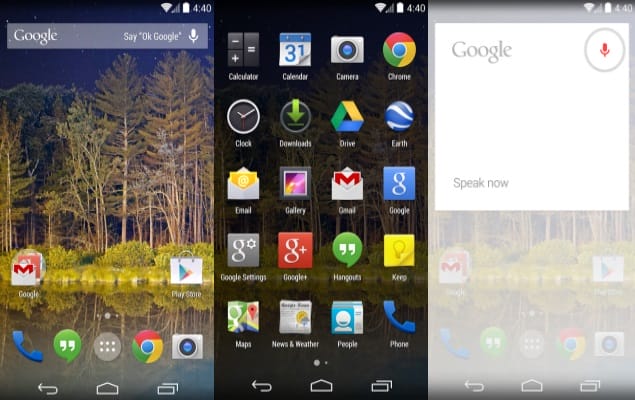
If you're using a phone with a skinned version of Android, like one of Samsung or HTC's phones, you can install the Google Now launcher to make your home screen look a little cleaner. The Google Now launcher also lets you access voice controls more quickly by simply saying "Ok Google" from the home screen.
#8. Link Bubble Browser
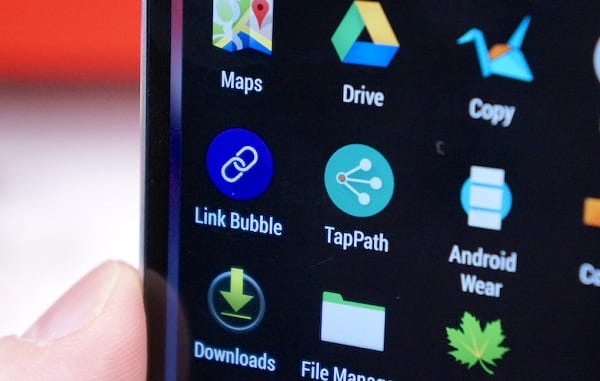
People share links on Facebook and Twitter all the time, but each time you tap one you're taken away from your social feed and into a browser. Link Bubble Browser lets you continue browsing Facebook or Twitter while your link loads in the background.
#7. MightyText
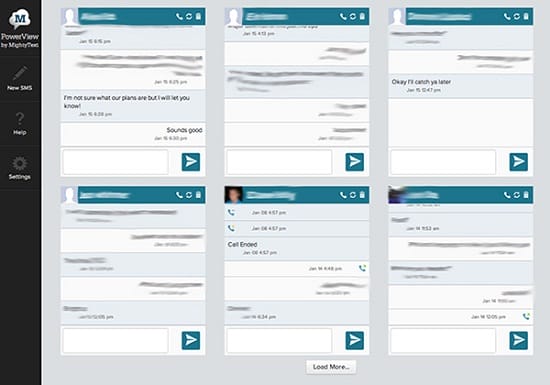
If you find yourself constantly reaching for your phone at work to answer text messages, here's some good news. MightyText lets Android phone owners answer any text messages on a PC, Mac, or Android tablet.
#6. FoxFi
FoxFi is a free Android app that lets you use your phone as a hotspot without having to pay the extra fee from carriers for a tethering plan. It just takes data from whichever plan you've paid for from your carrier. It's unclear exactly how FoxFi does this, but blog Droid Life speculates that it could be using a VPN, or Virtual Private Network, to mask activity from your carrier.

#5. EverythingMe
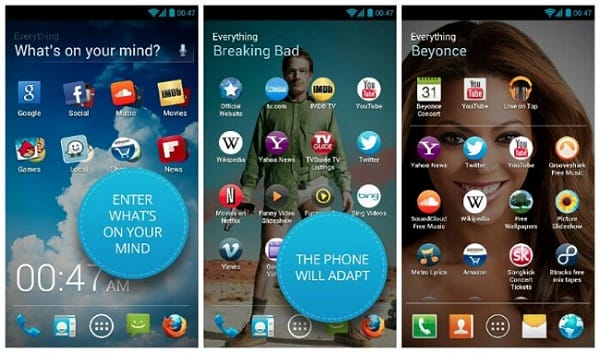
EverythingMe is the app launcher for people who want to stay organized. The launcher comes with a universal search engine and automatically sorts apps into designated folders.
#4. Sliding Explorer
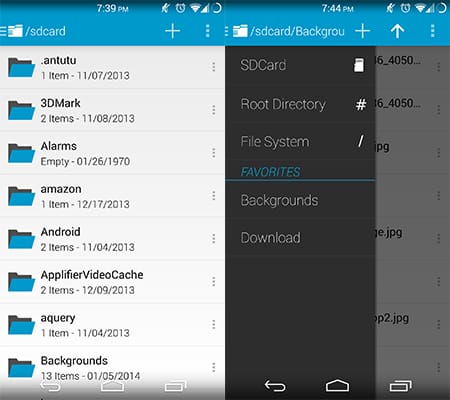
Sliding Explorer has been noted by both PCMag and Infoworld as being among the best file explorers out there. A file explorer is an app that lets you access files stored on your phone's SD card the same way you would a computer. Sliding Explorer is one of the easiest file explorers to use.
#3. AirDroid
AirDroid is a little bit like MightyText, but instead of only forwarding text messages from your Android phone it lets you also see all notifications and share files.

#2. Aviate
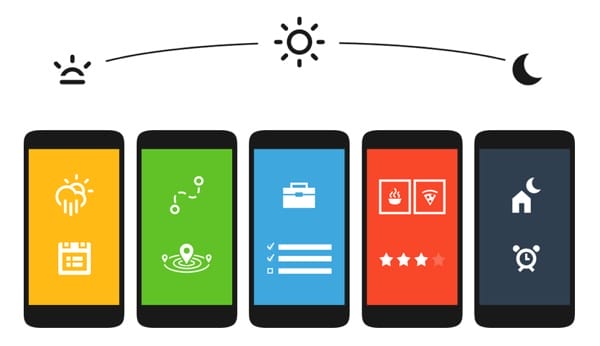
Yahoo Aviate is the launcher that will take your phone to the next level. Gone are the days of a cluttered and boring stock Android phone. Yahoo Aviate automatically organizes your apps and shows you the information you need, at the moment it's useful.
#1. ES File Explorer
ES File Explorer is another great file explorer for Android. Like Sliding Explorer, it lets you control your Android phone the same way you would navigate a PC. There are also a few features for advanced users that need to access files on their Android phones from a PC.